What Is NDAA Compliance, and Why It Matters for Your Deployment
If you’re buying hardware for an organization that touches any form of government funding, there’s a compliance requirement you may not know you have until it’s too late to fix cheaply. It’s called NDAA compliance, and it quietly shapes what technology thousands of schools, healthcare systems, government agencies, and their contractors are allowed to purchase.
Here’s what it is, who it applies to, and how to avoid an expensive surprise mid-procurement.
What NDAA compliance actually means
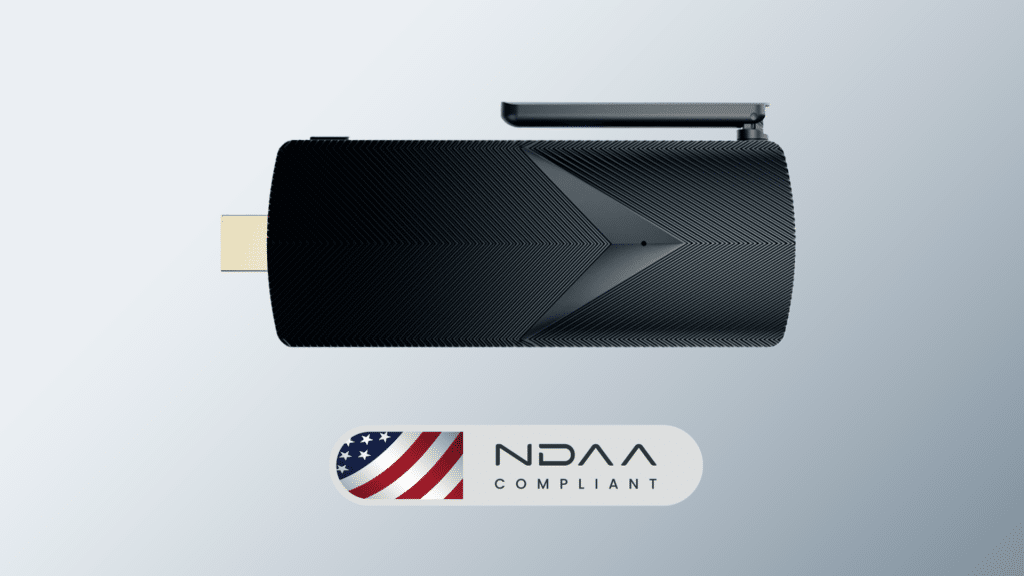
NDAA stands for the National Defense Authorization Act, an annual U.S. law that sets the budget and polvicy for the Department of Defense. Buried in the 2019 version (specifically Section 889) is a provision with reach far beyond the military: it prohibits federal agencies, and organizations that receive federal funding, from purchasing or using telecommunications and video surveillance equipment from certain named companies deemed national security risks.
In practice, “NDAA compliant” means a product does not contain covered components from those restricted manufacturers, components like network chips, wireless modules, or cameras sourced from the banned list.
This guide is a plain-language overview, not legal advice. Compliance requirements vary by organization and situation, and you should confirm your specific obligations with your own compliance or procurement team.
Who this applies to (probably more people than you think)
The common misconception is that NDAA only affects the military or federal agencies directly. In reality, the requirement follows the funding. If your organization receives federal dollars, the restriction can apply to your purchases even if you’re not a government body yourself.
That sweeps in a lot of organizations that don’t think of themselves as “government,” including:
🔹Schools and universities receiving E-Rate Title I, or other federal education funding
🔹Healthcare systems tied to federal reimbursement or grants
🔹State and local agencies operating under federal contracts or grants
🔹Contractors and integrators who sell to any of the above
The tricky part: many organizations don’t realize the requirement is triggered until they’re mid-procurement, or worse, until after equipment is already installed and an audit flags it.
Why it matters for a hardware deployment
When you’re deploying mini PCs for digital signage, kiosks, workstations, or edge computing across a fleet, NDAA compliance isn’t a checkbox you can add later. It’s baked into the hardware at the component level. If a device contains a restricted network or wireless chip, no amount of configuration changes that.
Getting it wrong has real consequences:
🔹Failed audits that jeopardize current or future funding
🔹Forced replacement of non-compliant hardware, at your expense
🔹Procurement delays when a compliance gap surfaces late in the buying process
🔹Disqualification from contracts that require compliant equipment
Discovering a compliance problem after you’ve purchased and deployed a fleet of devices is one of the most expensive mistakes in commercial hardware buying, precisely because the fix is “replace everything.”
What to verify before you buy
If NDAA compliance might apply to your organization, build these checks into your evaluation:
Confirm compliance across the entire board, not just the model. Some manufacturers offer compliance on select SKUs while other configurations contain restricted components. Ask whether every component, RAM, storage, ethernet, wireless, is compliant, and whether it holds across the specific configuration you’re ordering.
Get it in writing. Ask the manufacturer to state compliance explicitly. A vendor that builds to this standard will be able to confirm it clearly; vagueness is a warning sign.
Check it early. Verify compliance at the evaluation stage, not after you’ve selected a device. It’s far cheaper to rule out non-compliant hardware before purchase than to discover it in an audit.
Confirm your own requirements. Because the rules depend on your funding and situation, confirm with your compliance or procurement team exactly what applies to you before you commit.
The bottom line
NDAA compliance is easy to overlook and expensive to fix. If your organization receives any form of federal funding, or sells to organizations that do, it’s worth treating compliance as a baseline requirement in every hardware decision, not an afterthought. The cost of verifying up front is a few questions. The cost of getting it wrong is replacing a fleet.
How Azulle approaches compliance
Every Azulle device is 100% NDAA compliant across the entire board, RAM, storage, ethernet, and wireless, not just on select models. So when NDAA compliance applies to your deployment, it’s covered by default, with no need to cross-check individual components.
For deployments that also require TAA compliance, Azulle devices can be configured to meet it. Our US-based team will confirm the right configuration for your specific requirements.
Combined with IPC-610 Class 2 commercial build standards, a 0.05% defect rate, and USA-based support, it’s part of how we build hardware for the commercial, education, healthcare, and government deployments where these requirements are a fact of life.
If compliance matters for your project, talk to our US-based team and we’ll confirm exactly how our devices fit your requirements.

This article is general information, not legal or compliance advice. Confirm your organization’s specific obligations with your own compliance or procurement team.