Deploying Mini PCs at Scale: What IT Teams Should Know Before Ordering 100 Units
Buying one mini PC is simple. Deploying mini PCs at scale, a hundred units across sites, on schedule and running for years, is a different problem. At scale, small decisions multiply: a configuration choice made once becomes a hundred units to re-image, a 3% failure rate becomes a steady stream of service calls. This guide covers what IT and procurement teams should plan for before placing a large mini PC order, and ends with a 9-point pre-order checklist.
Why deploying mini PCs at scale changes everything
At one unit, you can fix problems as they come up. At a hundred, every inefficiency is multiplied by a hundred, and every failure means a truck roll. The goal of a large deployment is to front-load the decisions, configuration, imaging, compliance, so that rollout and the years after it run smoothly. Planning before the order is placed is far cheaper than fixing after.
Before you order: 5 key decisions
Five decisions shape every large mini PC order:
1. Configuration: barebone or configured?
For a large rollout, configured units, built to your exact RAM, storage, and OS spec, usually win. They arrive ready to deploy, so your team isn’t installing memory and imaging each unit by hand. Barebone makes sense only when you have the technical staff and a reason to build in-house. (For most fleets, configured is the time-saver.)
2. Standardization
Order identical units with identical configurations. A standardized fleet means one image, one set of drivers, one spare-parts profile, and consistent behavior across every site. Mixed hardware is where fleet management gets expensive.
3. Compliance
Confirm compliance before you order, not after. If any federal funding is involved (E-Rate, Title I, government contracts), the hardware needs to be NDAA compliant, and possibly TAA compliant, across every unit. Discovering a compliance gap after deploying 100 units is one of the most expensive mistakes possible.
4. Reliability and defect rate
At scale, defect rate is a budget line. A few percent across 100+ units is a predictable stream of failures, each with downtime and labor. Commercial-grade hardware with a low defect rate (Azulle’s is 0.05%) keeps that number near zero.
5. Warranty and support
Confirm the warranty length and how support works at scale. A 3-year warranty and responsive, accessible support protect you across the fleet’s life, when a single unresponsive support case can stall a whole site.
Planning the rollout
Once hardware is chosen, the deployment itself needs a plan:
- Imaging: will units ship pre-imaged to your spec, or will your team image them? Pre-imaged units save enormous time at scale.
- Logistics: shipping, receiving, and staging a hundred units takes coordination. Compact, light mini PCs are far easier to handle than towers.
- Mounting and installation: standardize mounts and cabling so each site install is identical.
- Rollout sequencing: often a pilot at one site first, then the full rollout once it’s proven.
- Documentation: a standard install guide so every site is set up the same way.
Managing the fleet after deployment
The order is only the beginning. Over the fleet’s life you’ll manage:
- Updates and content: how you push software updates and content to every device, ideally remotely, without a site visit.
- Monitoring: knowing when a device goes down before a customer notices.
- Spares and replacements: keeping spare units configured and ready so a failure is a swap, not a project.
- Consistency: a standardized fleet stays manageable; a drifting one gets harder every year.
This is where the up-front decisions pay off: a standardized, reliable, well-configured fleet is far cheaper to run than a mixed, failure-prone one.
A 9-point pre-order checklist for IT teams
Before placing a large mini PC order, confirm:
- Units are configured to a single standard spec
- Compliance (NDAA, and TAA if needed) is confirmed across all units
- Defect rate and build standard meet commercial requirements
- Warranty length and support process are clear
- Units can ship pre-imaged or you have an imaging plan
- Mounting, cabling, and install are standardized
- A pilot is planned before full rollout
- Remote update and monitoring approach is decided
- Spare units are budgeted
How Azulle supports large deployments
Azulle is built for deploying mini PCs at scale:
- Configured to your spec, so units arrive ready to deploy
- A 0.05% defect rate and IPC-A-610 Class 2 build keep fleet failures near zero
- 100% NDAA compliance across the entire line, configurable for TAA
- A 3-year warranty and USA-based support across the fleet’s life
- Compact, consistent hardware that’s easy to ship, mount, and standardize
- OEM/ODM services including white-labeling and custom preloads for large orders
The result is hardware that may cost a little more up front and considerably less over its life.
Frequently asked questions
What should I consider before buying mini PCs in bulk?
Standardize the configuration, confirm compliance (NDAA/TAA) across all units, check the defect rate and warranty, plan imaging and logistics, run a pilot first, and decide how you’ll update and monitor the fleet remotely.
Should I buy barebone or configured mini PCs for a large deployment?
Configured usually wins at scale, because units arrive ready to deploy and save your team from building and imaging each one. Barebone suits smaller deployments with technical staff and specific custom needs.
How does defect rate matter for a large deployment?
A lot. A few-percent defect rate across 100+ units produces a steady stream of failures, each with downtime and labor. A low rate (like 0.05%) keeps fleet failures near zero, which is why it’s a budget consideration at scale.
Can mini PCs be shipped pre-configured and pre-imaged?
Yes. Commercial manufacturers can ship units built to your spec and, for large orders, with custom preloads or white-labeling, so they arrive ready to deploy without on-site setup.
Why does compliance need to be confirmed before ordering at scale?
Because compliance is built into the hardware and can’t be fixed afterward. Discovering 100 deployed units aren’t NDAA compliant means replacing all of them, so it must be confirmed before the order.
The bottom line
Deploying mini PCs at scale is won or lost before the order is placed. Standardize the configuration, confirm compliance and reliability, plan imaging and rollout, and decide how you’ll manage the fleet, and a hundred-unit deployment runs smoothly for years. Skip that planning and every shortcut multiplies across the fleet.
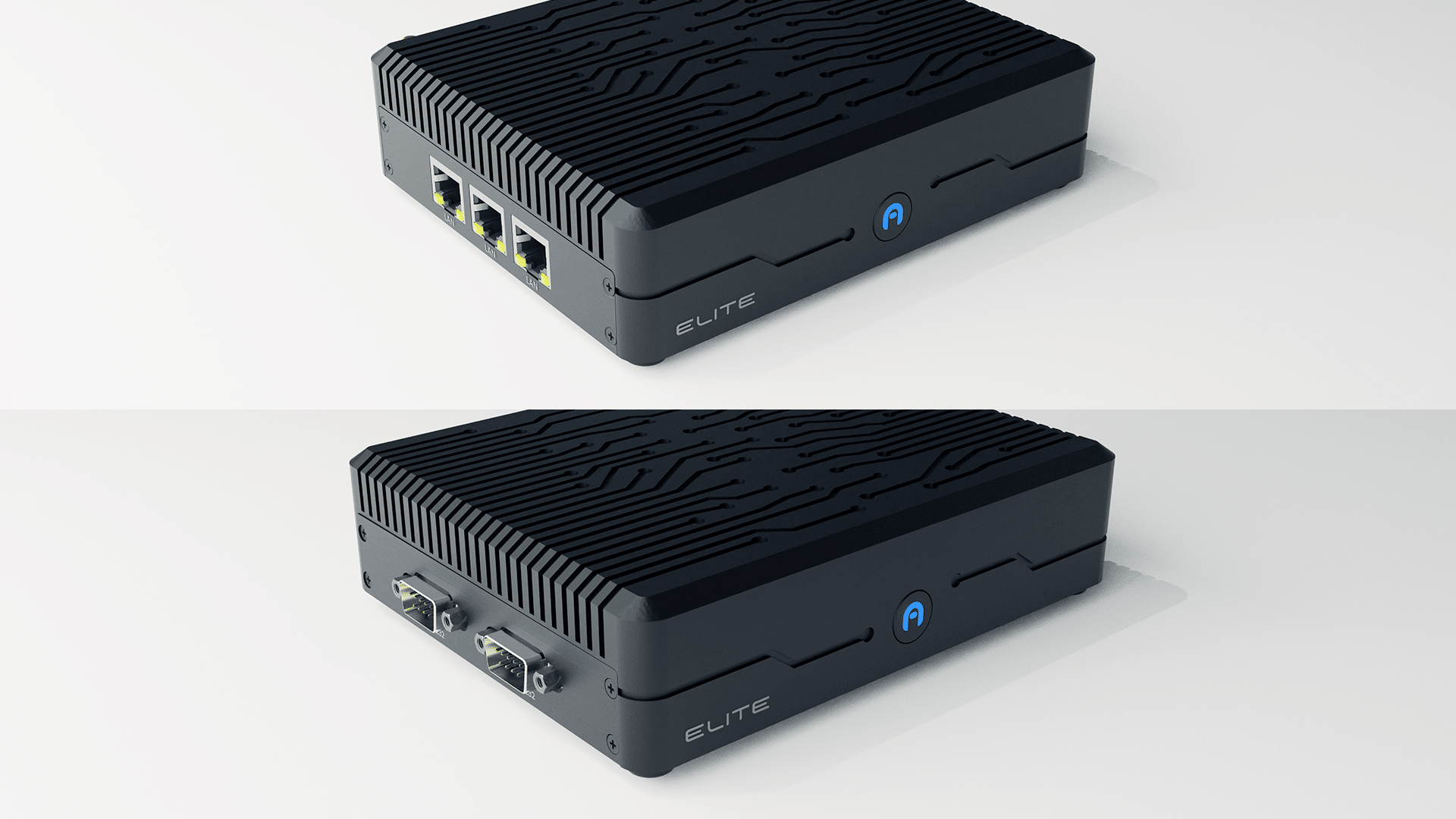
Planning a large deployment? Talk to our US-based team about configuration, compliance, and fleet support, or explore Elite and Byte Modular.