Barebone vs. Configured: How to Spec a Mini PC for Your Deployment
When you buy a mini PC for a business deployment, one of the first choices you’ll face is whether to buy it barebone or fully configured. It sounds like a technical detail, but it shapes your cost, your deployment time, and how much control you have over the final machine. Choosing the right approach up front saves money and headaches later.
Here’s what each option means, the trade-offs, and how to decide which fits your deployment.

What “barebone” means
A barebone mini PC ships as a foundation rather than a finished machine. You typically get the processor, motherboard, chassis, and cooling already in place, but you add the RAM, storage, and often the operating system yourself.
Think of it as buying the platform and finishing it to your exact spec. You decide how much memory and storage to install, which OS to load, and how to image it, then you (or your integrator) complete the build.
What “configured” means
A configured mini PC arrives ready to use. The RAM, storage, and operating system are already installed and set up, so the device works the moment it’s powered on. You specify what you want, and it ships built to that spec.
This is the plug-and-deploy option: no assembly, no imaging from scratch, no sourcing components separately.
The trade-offs
Neither option is universally better. The right choice depends on your priorities.
Barebone tends to win on:
🔹Cost control — you buy exactly the RAM and storage you need, often sourcing components at your own price, rather than paying a set configuration
🔹Flexibility — full control over memory, storage, and OS, useful when you have specific requirements or existing licensing
🔹Upgradability — easy to spec higher capacity now or plan for it later
Configured tends to win on:
🔹Speed to deploy — units arrive ready to run, which matters enormously at scale
🔹Simplicity — no sourcing, assembling, or imaging each unit yourself
🔹Consistency — every unit is built to the same spec, reducing variation across a fleet
🔹Less in-house effort — no need for technical staff to build and test each machine
How to decide: match it to your deployment
The right choice comes down to a few practical questions about your specific situation.
How many units are you deploying? For a handful of machines, barebone gives you control at a small time cost. For dozens or hundreds, configured units save enormous deployment effort, imaging and assembling 200 machines by hand is a real project on its own.
Do you have technical staff and time? If you have an IT team comfortable installing memory, storage, and OS images, barebone is straightforward. If you’d rather units arrive ready to hand off, configured is the safer path.
How specific are your requirements? If you have exact memory, storage, or OS licensing needs, barebone gives you precise control. If your requirements are standard, a configured build removes the work without any downside.
How important is consistency? For a fleet you’ll manage long-term, identical configured units simplify imaging, inventory, and maintenance. Mixed or hand-built machines can drift apart over time.
What’s your budget structure? Barebone can lower upfront cost if you source components efficiently. Configured folds everything into one price and one vendor, which is often simpler to budget and support.
A quick way to choose
As a rule of thumb:
🔹Choose barebone if you’re deploying a smaller number of units, have technical staff, want precise control over components, or need to manage cost tightly.
🔹Choose configured if you’re deploying at scale, want plug-and-deploy simplicity, value fleet consistency, or would rather not build and image each machine yourself.
Many deployments actually blend both: barebone for a pilot or a technical team’s custom needs, configured for the large rollout that follows.
How Azulle fits
Azulle supports both approaches, so you can spec the way your deployment demands.
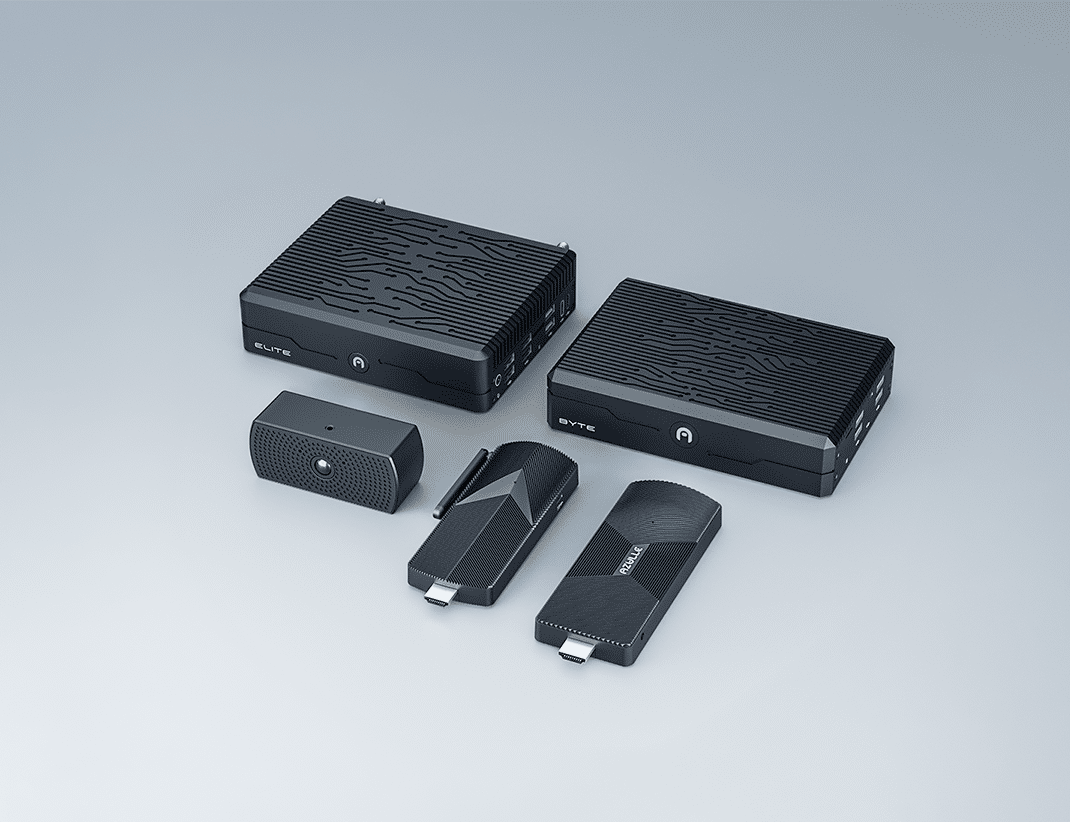
For maximum control, Elite ships as a barebone workstation-class platform, you choose the RAM, storage, and OS to match demanding enterprise and edge workloads exactly.
For deployments that benefit from arriving ready to run, Byte Modular is configured to your specification, with optional modules (PoE, cellular, serial, AI, and more) built in so units ship deployment-ready with no on-site work.
And across the line, our compact Access sticks and Ally mini PCs offer configured options sized for signage, kiosks, and everyday commercial computing.
Whichever approach fits, every Azulle device is built to commercial standards, IPC-610 Class 2 build quality, a 0.05% defect rate, a 3-year warranty, and USA-based support, and is 100% NDAA compliant across the entire board.
Not sure which approach or configuration fits your project? Talk to our US-based team and we’ll help you spec it right.